
This furniture specification sheet is a completed two-page review of one item: the Arch Dam Coffee Table, Large, model Y-CJ44-L. Download the print PDF with its dimension diagram and material questions, or edit the Word source. The Skulinker public Demo supplies the fictional product record; the live workspace is currently paused.
Download the two-page specification PDF · Edit the specification in Word
Identify the exact table in the photograph
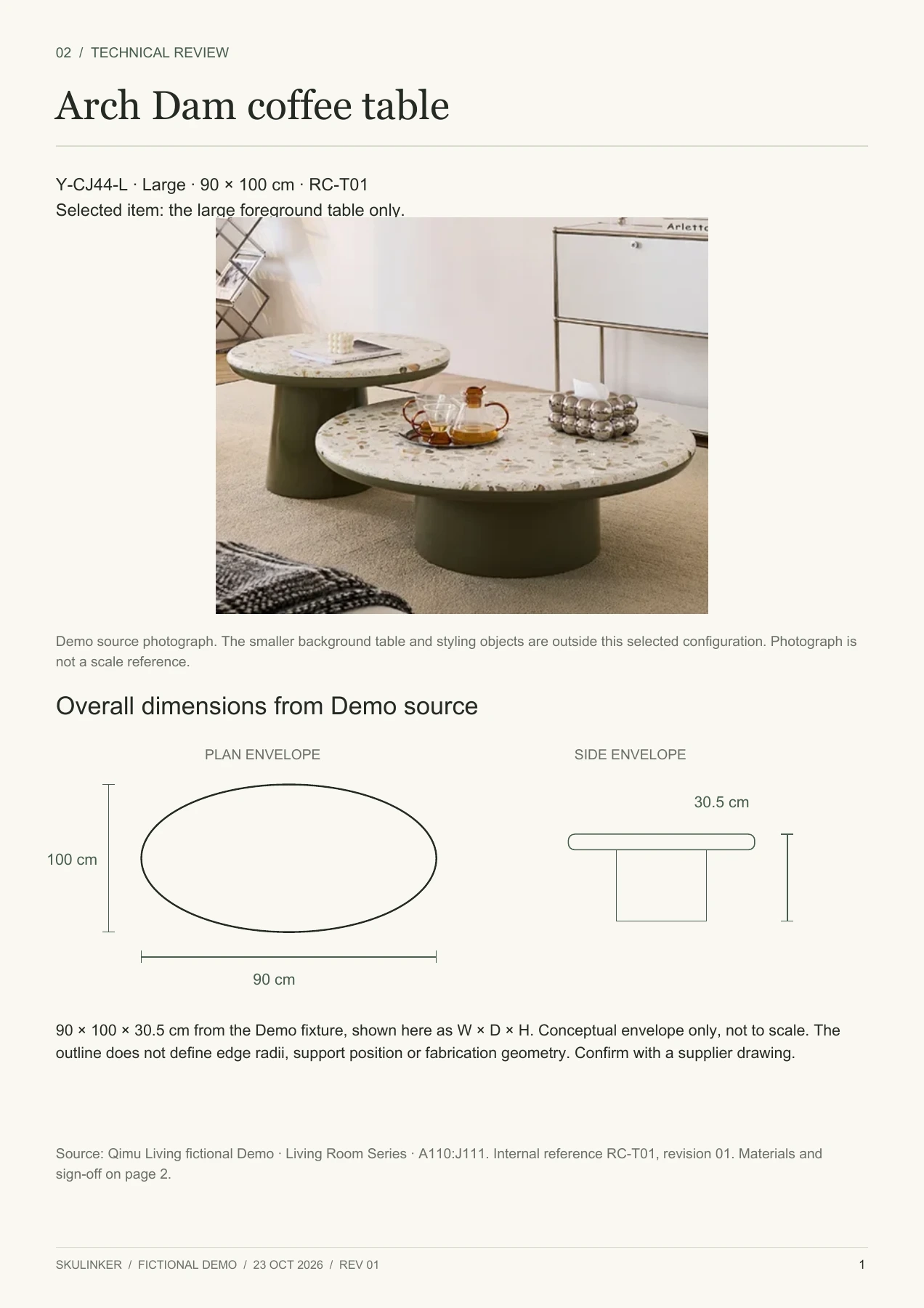
The photo contains two tables. The furniture specification sheet covers only the large table in the foreground; the smaller table and styling objects are outside the selected configuration. State that beside the image so no one reads the dimensions as a two-table set.
The fictional Demo records 90 × 100 × 30.5 cm, a terrazzo surface, solid wood frame, piano-gloss lacquer, an ivory top and a warm gray-green base. These are source descriptions, not verified supplier commitments. A furniture spec sheet should preserve that distinction when reused for a real order. Use the furniture specification template to log which descriptions still need a dated supplier confirmation.
Give each page a clear job
Page one of the furniture specification sheet identifies the selected product, photo and overall dimensions for layout review. Page two collects material descriptions, missing finish references, approval questions and a signature area. RC-T01 is this project's document reference; Y-CJ44-L is the model. Revision 01 identifies this review, and a changed configuration needs a new revision.
The PDF is the fixed print layout. The editable Word source contains the photograph, values and review prompts. Its conceptual drawing is for discussion, not manufacturing CAD. The furniture specification template gives the reviewer a place to request an actual manufacturer's drawing before approval.
Read the overall dimensions, then the gaps
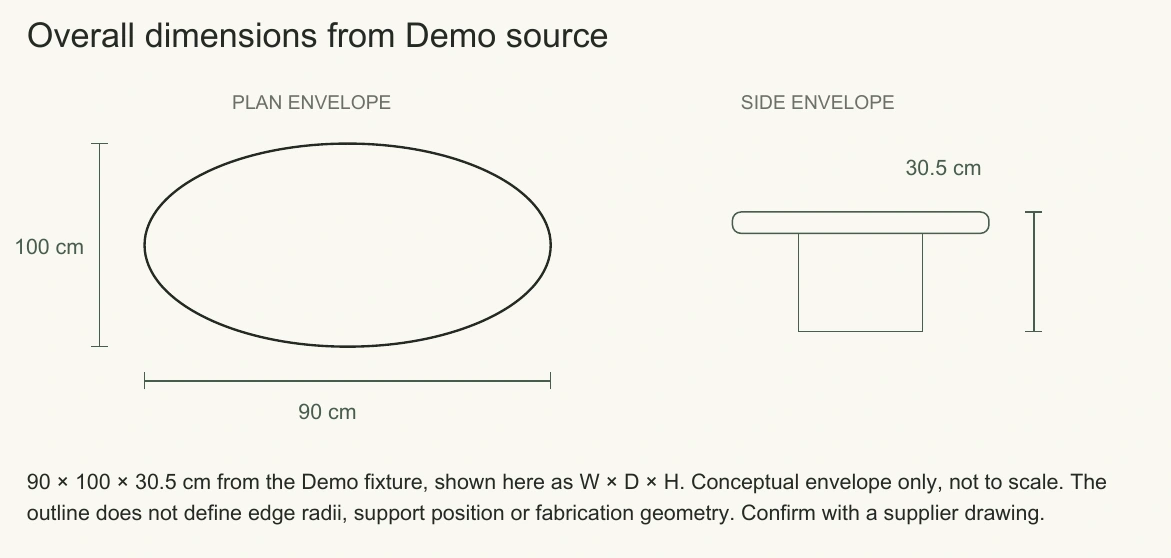
The plan envelope marks 90 cm by 100 cm; the side view marks 30.5 cm height. This furniture specification sheet presents the source dimensions as width, depth and height. Confirm the supplier's dimension order before using the furniture specification sheet as a purchase specification.
The drawing says conceptual and not to scale. It cannot establish the tabletop curve, edge radius, slab thickness, support position or construction. Ask for a drawing of the large configuration when those details matter. The furniture specification template keeps this drawing request beside the stated dimensions. Overall size starts a location check, but clearance and access must also be checked against project drawings. The furniture specification sheet cannot certify a room layout from three numbers.
View full size
Detail of the conceptual dimension diagram: not to scale and not manufacturing CAD.
If another source gives a different dimension, retain both values with their references until the conflict is resolved. The furniture spec sheet should name the applicable drawing revision; averaging conflicting dimensions would erase the question.
Separate descriptions from finish codes
“Terrazzo surface” does not specify binder, aggregate, thickness or pattern. “Solid wood frame” lacks a species. “Piano-gloss lacquer” lacks a measurable gloss level and manufacturer code. The furniture specification sheet lists these as questions instead of filling blanks with plausible-sounding codes. A furniture specification template can reserve fields for the samples without inventing their identifiers.
| Selected component | Recorded description | Required follow-up |
|---|---|---|
| Surface | Terrazzo surface | Physical sample and sample code |
| Frame | Solid wood frame | Species and construction clarification |
| Coating | Piano-gloss lacquer | Finish sample and exact code |
| Color | Ivory / warm gray-green | Confirm against approved physical samples |
Do not copy RC-T01 into a supplier-code field. The internal reference retrieves this furniture specification sheet; a manufacturer code identifies the option to order. Record both in the furniture spec sheet before approval, with the supplier's dated response.
Turn open items into answerable requests
Request a dimensioned outline with tolerances, coded terrazzo and lacquer samples, edge details, assembly guidance and maintenance instructions. If a project requires load or fire performance, request applicable evidence. The Demo supplies no rating, test or certification. A furniture specification sheet can record a signed decision only after the reviewer has evaluated the supplied facts. The furniture specification template keeps open questions distinct from accepted values.
View full size
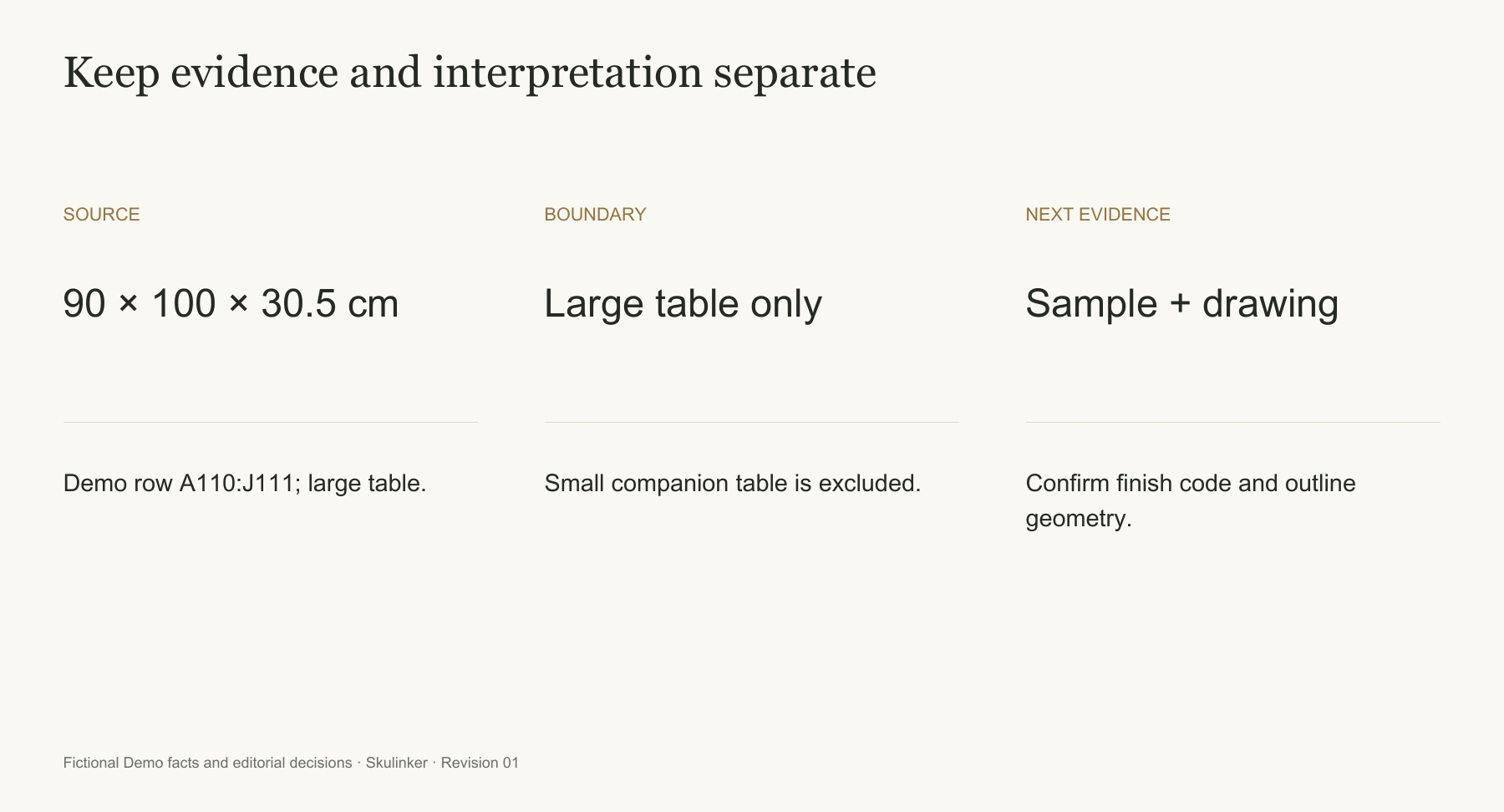
Source dimensions, selected scope and required follow-up stay separate.
Give each open question an owner and response date in the supporting issue record. The furniture specification sheet should link to that response rather than restate an unsupported conclusion. Attach the reply, carry confirmed facts into the furniture technical review and revise the furniture specification sheet when the selected configuration changes. Keep the reply with its supplier revision and review date. Keep the earlier PDF with the furniture specification sheet so the decision history remains visible.
Edit and issue the right version
In Word, replace model, configuration, image, dimensions, source and material descriptions together. That keeps the furniture specification sheet tied to one object. Export a fresh PDF and check both pages, model, revision and dimension labels at normal print size. A furniture specification template may reflow in another Word installation, so inspect the final export after each edit.
The furniture spec sheet example traces to the fictional Qimu Living Demo, Living Room Series, A110:J111. Check image rights before sharing your own supplier photography.
Use the right companion document
Use a product comparison template to choose candidates and a furniture tear sheet for a shorter client presentation; keep model and revision consistent across documents.
See the public Demo on the Skulinker homepage. It uses built-in records and does not currently promise immediate import of your supplier files.
Next step
See the supplier-file workflow in the Skulinker Demo
Explore how supplier files connect to product records, source review, selection, and export. Check the homepage for current service availability.
Continue reading