
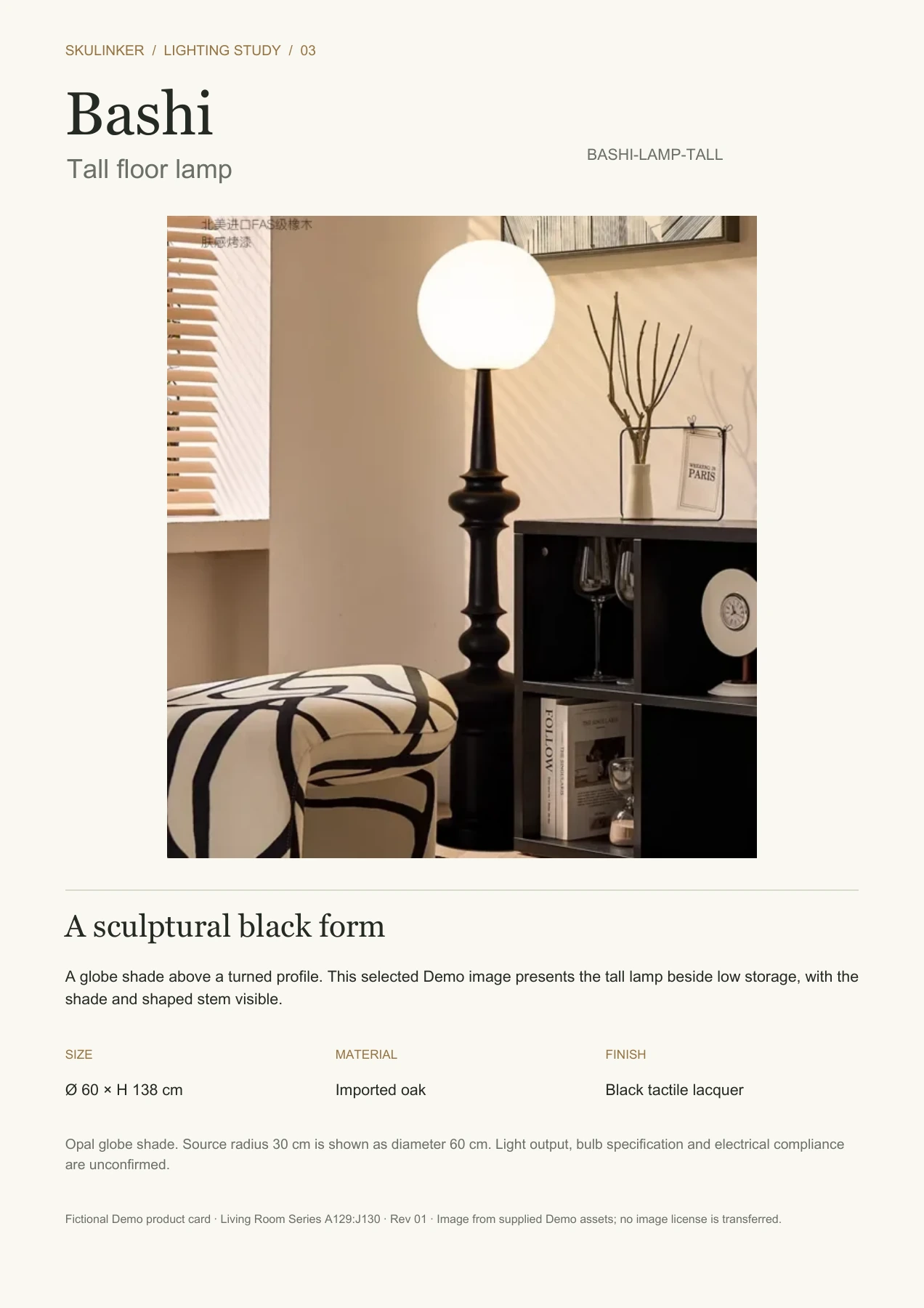
A furniture tear sheet gives a client one recognizable product image and the few facts needed for an initial discussion. The Bashi Floor Lamp, Tall card includes its Demo photo, model, size and finishes. Download the PDF or edit Word. The Skulinker public Demo uses this fictional record; its live workspace is currently paused.
Download the one-page product card PDF · Edit the product card in Word
See the finished card in one glance
The furniture product card opens with BASHI-LAMP-TALL and a large scene photograph, then lists a short appearance description, dimensions, material and finish. A small source note preserves the Demo context without turning the client card into a quote log.
The furniture product card selects the 138 cm high lamp. The source records a 30 cm radius, converted on the card to 60 cm diameter and displayed as Ø 60 × H 138 cm. This furniture tear sheet uses a stated conversion, not a measurement guessed from the image.
Choose a photograph that explains the product
The furniture product card uses the original scene, with its globe shade and shaped black stem beside a low bookcase. Surrounding furniture partly hides the lamp base, so the furniture tear sheet does not claim a complete isolated view. The photo is placed at its original proportions; the bookcase is context, not an included item.
Keep the source image when cropping for another furniture product card. A crop can remove scale cues, conceal a cord or cut off part of the lamp. For a clean cutout, obtain an approved image and inspect its edges. A furniture tear sheet example should not synthesize missing product details or change the documented finish to make a prettier picture.
Select facts a client can use
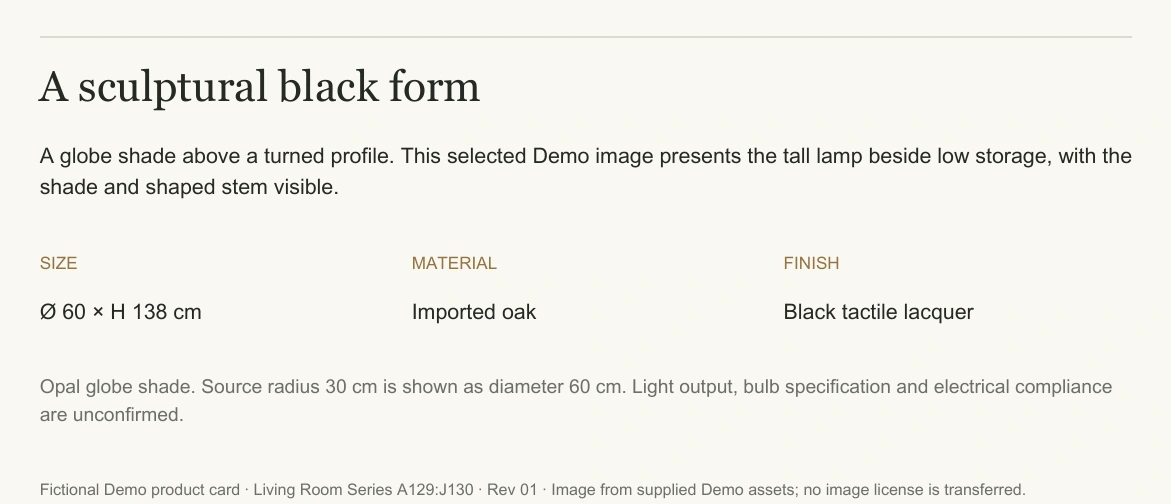
The Demo describes imported oak, black tactile lacquer and an opal globe shade. Those descriptions belong on the furniture product card because they help identify the chosen configuration. The source does not establish a wood species, finish code, bulb type or numerical color temperature.
The furniture product card cannot treat warm-looking light as a tested lighting result. The furniture tear sheet therefore leaves light output, bulb specification and electrical compliance open. A furniture tear sheet can support an early style conversation, while installation approval needs the relevant technical evidence.
The fictional fixture has a price, but this client card omits it. A quote needs quantity, currency, validity, tax and delivery terms; a furniture product card does not carry those terms. Keep that commercial record separately rather than putting an incomplete amount on the furniture tear sheet.
View full size
The finished information band keeps dimensions, materials and unconfirmed technical facts readable.
Give the picture priority
Warm white, dark text and a restrained gold accent complement the existing photo. The furniture product card puts the name and model close together so the image stays traceable. The furniture tear sheet prioritizes the photograph; its lower band carries appearance, size, materials, source and open questions.
For a pack of furniture tear sheets, keep fact positions and margins consistent while allowing each image its natural proportions. A tall lamp and a wide sofa need different crops. Repeating long catalogue prose under every image would make both the picture and key figures harder to read.
Replace the example without mixing records
Duplicate the DOCX furniture tear sheet template to make a new furniture product card, then choose the exact replacement configuration. Update its photo, title, model, dimensions, finish and source note as a unit. A new photo beside an old identifier can mislead a client even when the page looks polished.
Choose decision-relevant facts: chair width and depth, cabinet doors, or this lamp's tall configuration and diameter. If a required detail is missing, state the gap. The furniture specification sheet handles deeper technical review without crowding the furniture tear sheet.
View full size
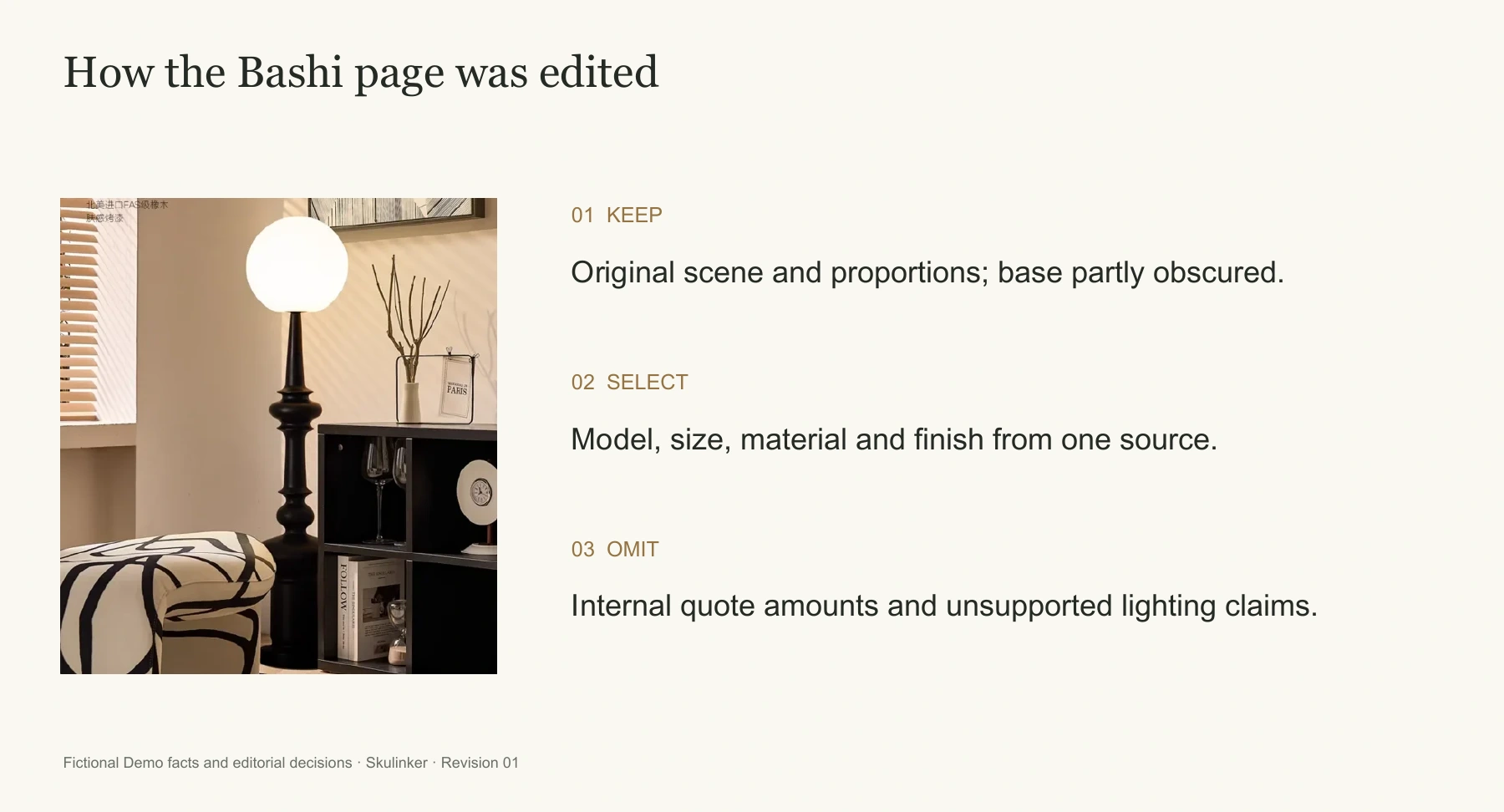
The editing decisions preserve the original scene, select a few source facts and omit internal quote amounts.
Check permission and export quality
The furniture product card example includes an existing Skulinker Demo image, but the download does not grant a separate commercial image license. Confirm the rights for your own supplier or photographer's image before sharing a furniture tear sheet with clients; retain any required credit and source record.
Export the edited Word file to PDF. Check the lamp's proportions, full model number, Ø symbol, legible text and whether the source note remains on the first page. The PDF is fixed; Word may reflow after editing. Inspect the final furniture tear sheet at normal print size.
Keep the card linked to its source
This case comes from the fictional Qimu Living Demo, Living Room Series, A129:J130, revision 01. Store PDF, editable source and original image together. Raise the revision if size or finish changes so client feedback points to one model and version.
Use a product comparison template while candidates remain open. The Skulinker homepage shows the public Demo workflow; its built-in examples do not promise immediate import of your files.
Next step
See the supplier-file workflow in the Skulinker Demo
Explore how supplier files connect to product records, source review, selection, and export. Check the homepage for current service availability.
Continue reading